

Transform Your
Restaurant Experience
A multi-branch restaurant system built around real workflows—table QR menus, live order tracking, a focused KDS screen, and branch dashboards to stay in control.
Everything You Need toModernize Your Restaurant
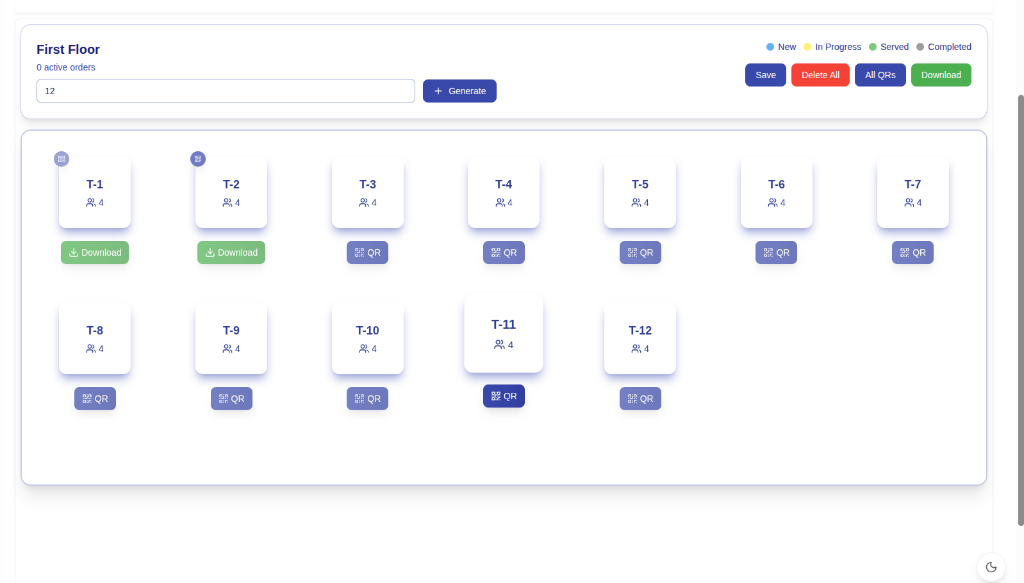
Table QR Codes
Generate QR codes per table/floor so guests can open the correct menu and place orders from their phones.
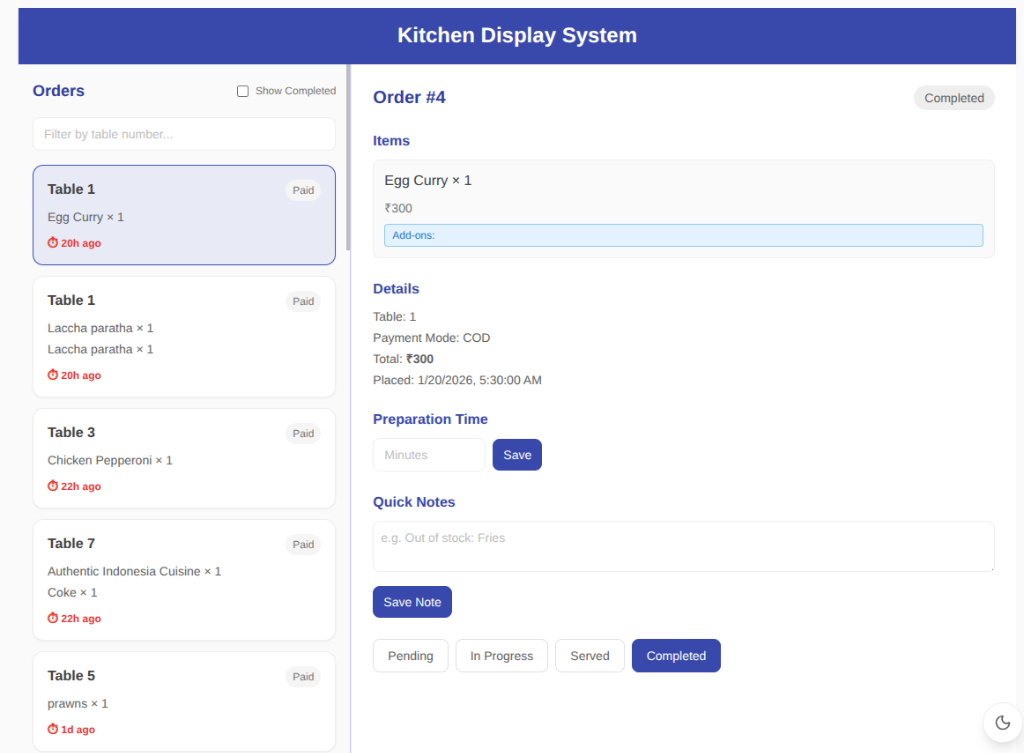
Kitchen Display (KDS)
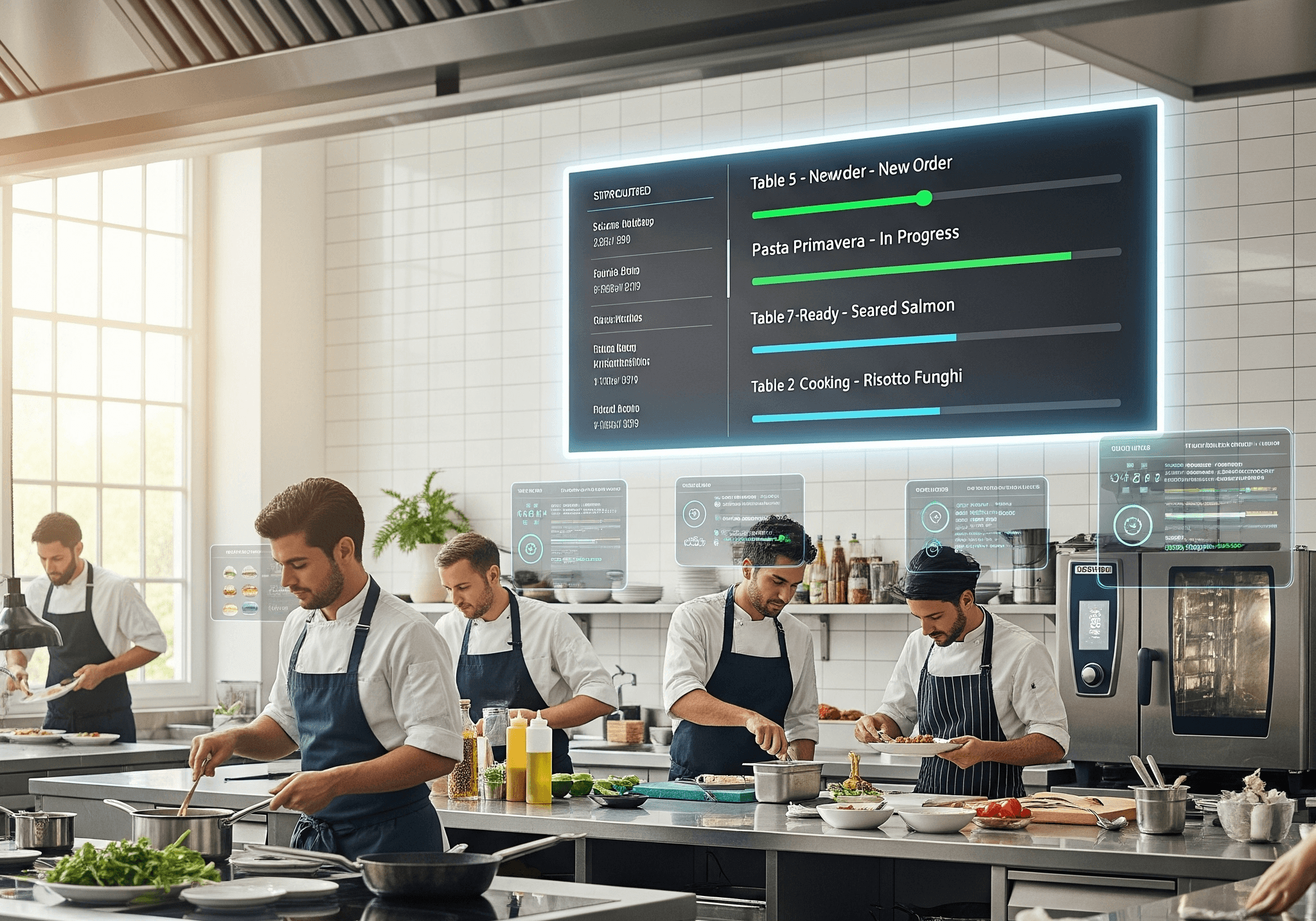
A dedicated KDS screen to view incoming orders and manage them through the kitchen workflow.
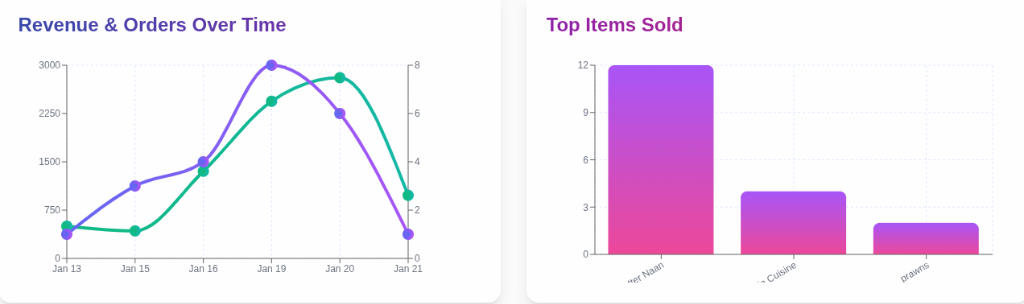
Branch Dashboard & Analytics
Track revenue, paid orders, top-selling items, and order status breakdowns for each branch.
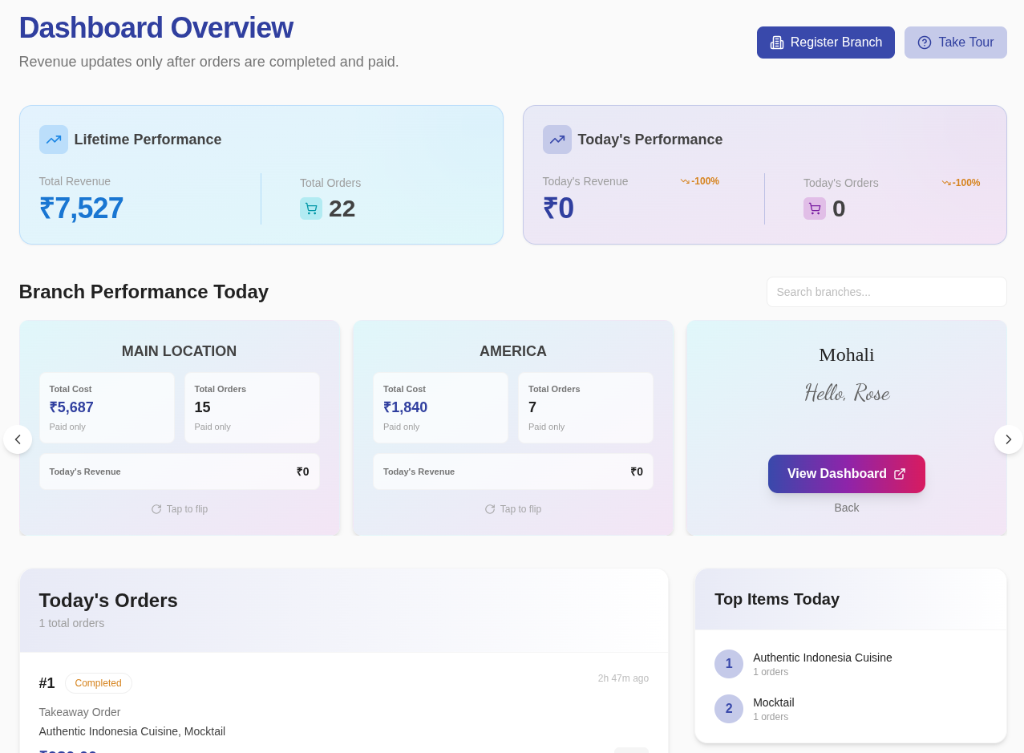
Multi-Branch Management
Manage multiple branches with dedicated dashboards and branch-linked orders.
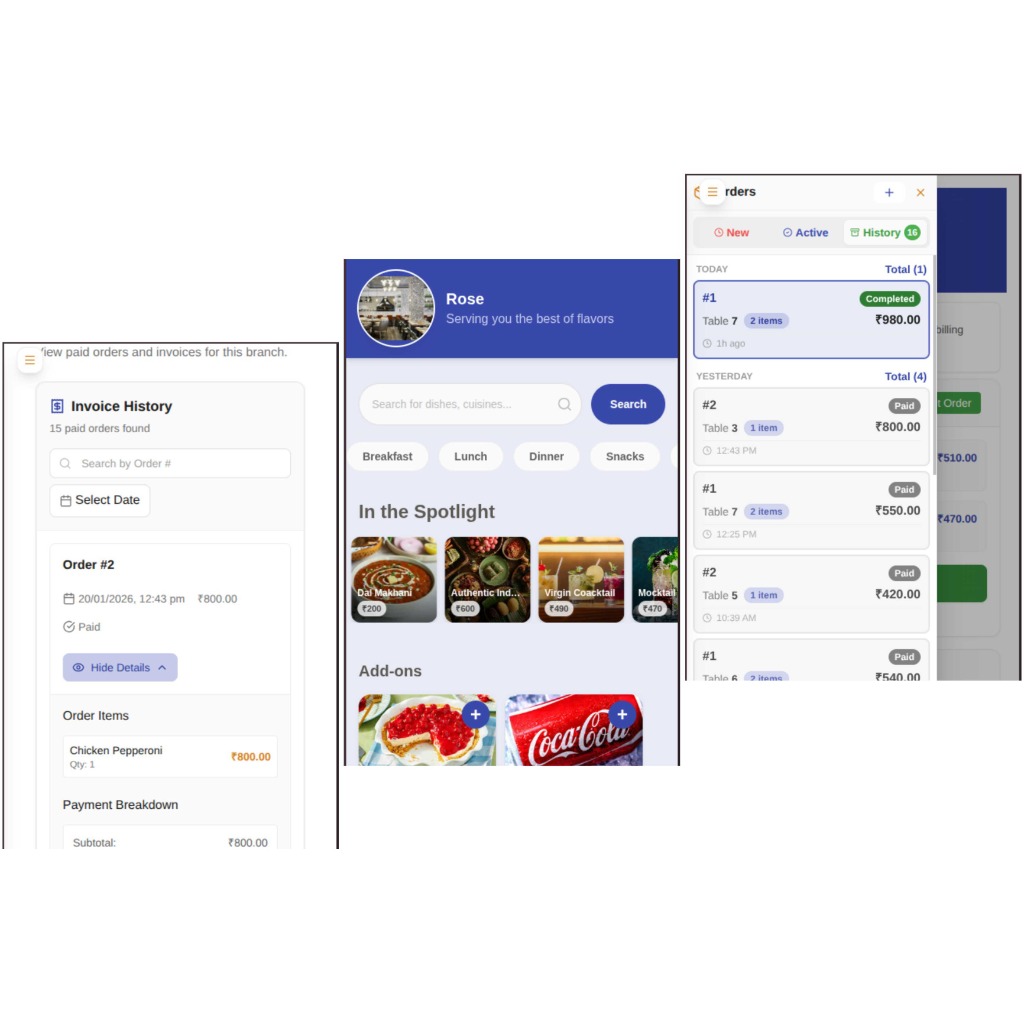
Mobile-Friendly Guest Flow
Fast, responsive ordering experience designed for mobile devices and in-restaurant QR flows.
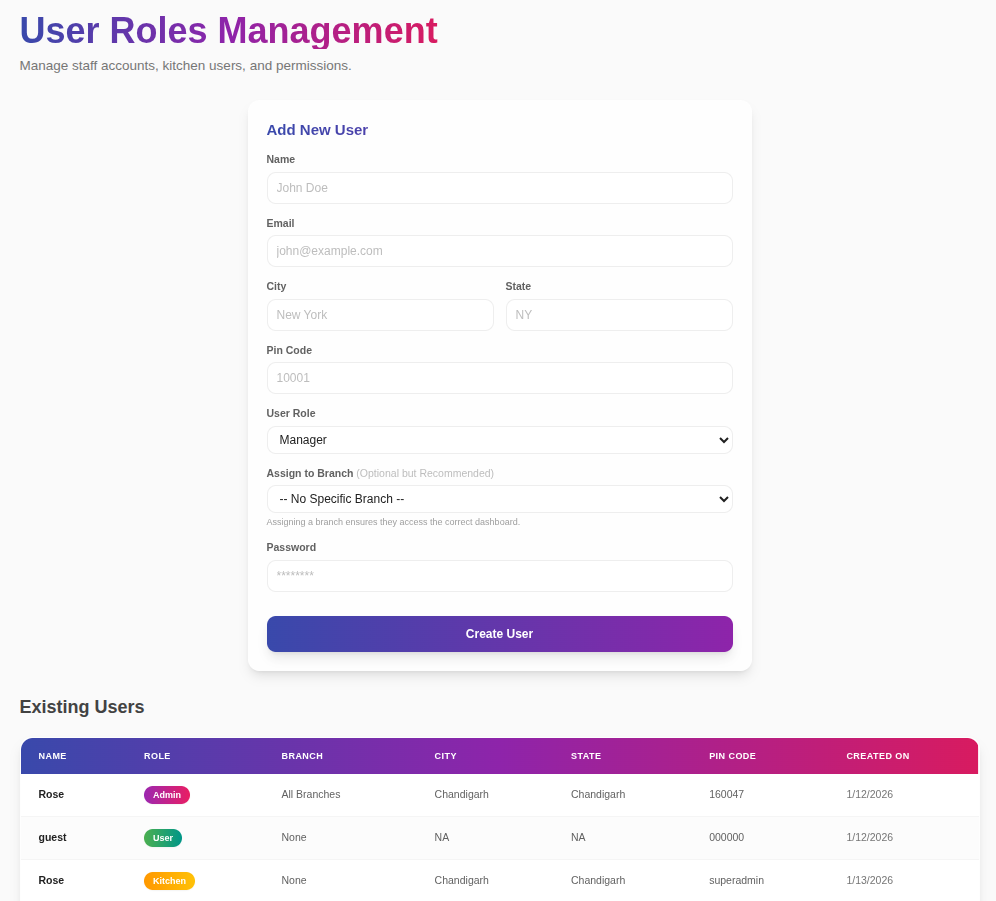
Staff Roles & Access
Create staff accounts (admin/manager/kitchen) and manage access across branches.
How TableEaseSimplifies Your Operations
A simple QR flow for guests, and clear screens for staff—built for real restaurant service.
Scan QR at the Table
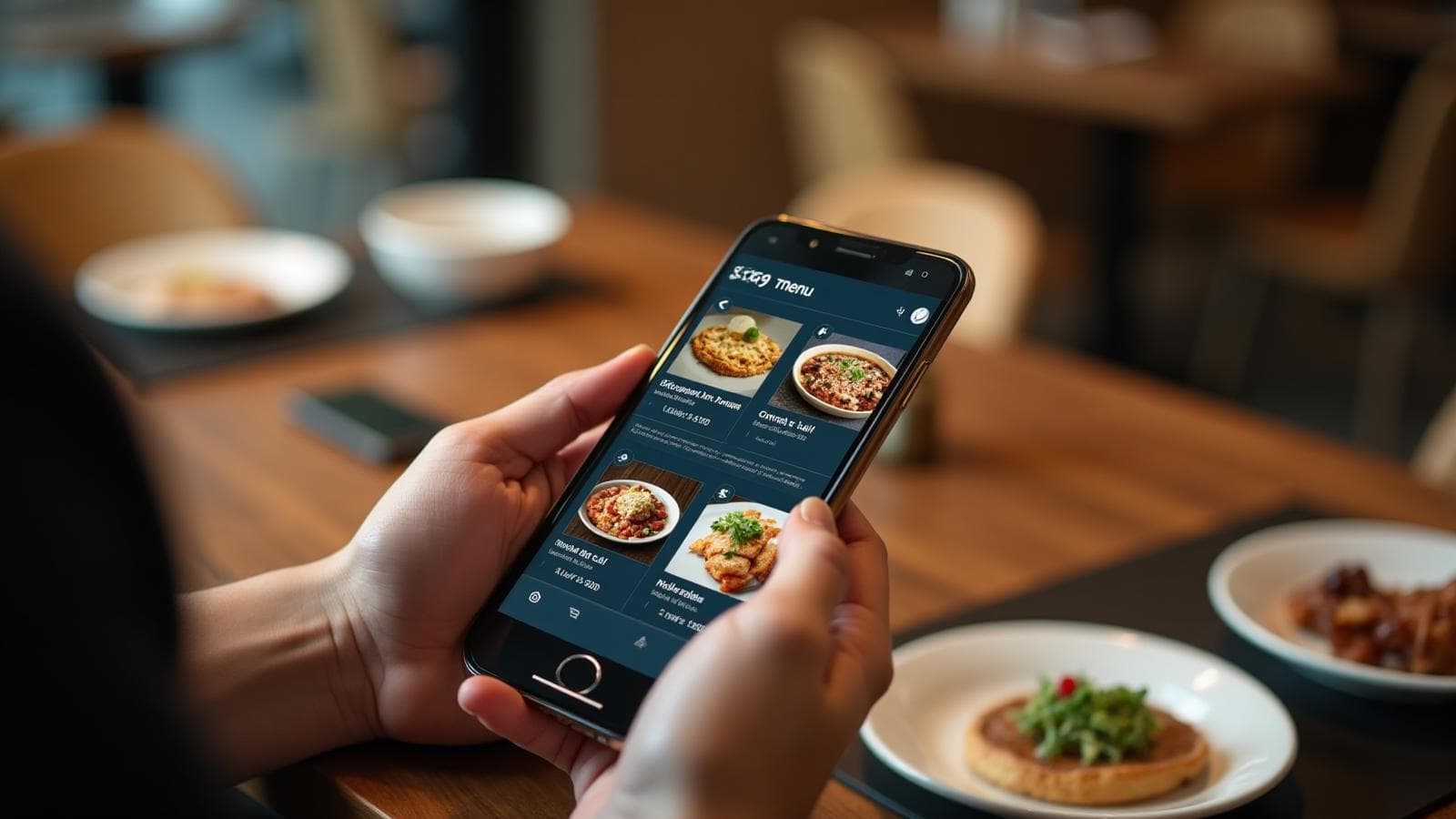
Guests scan a table QR code to open the menu for that table and start an order instantly.
Browse & Customize
Guests browse categories, add items to cart, and confirm quantities before placing an order.
Place Order & Track
Orders reach staff and kitchen in real time, with status updates from New to Preparing to Ready.
Serve & Close
Mark orders as served/completed and track paid orders in the branch dashboard.
Why Restaurants ChooseTableEase
Built around the workflows you’ve implemented—tables, QR ordering, kitchen screens, staff roles, and branch dashboards.
Branch-Level Visibility
Monitor each branch with a dedicated dashboard—paid orders, revenue, top items, and status breakdowns.
Faster Order Flow
Orders move from guest to kitchen with live status updates, helping teams respond quickly during rush hours.
Seamless Guest Experience
Guests scan a table QR code, browse the menu, and place orders from their phones—no app needed.
Controlled Staff Access
Create staff accounts (admin/manager/kitchen) and manage who can access what across branches.
Table & Floor Management
Design floor layouts, generate table QR codes, and track active orders per floor—all in one place.
Kitchen-Ready Workflow
Kitchen teams can work from a focused KDS view to prepare, manage, and complete incoming orders.
Adaptive Solutions for
Every Business Size
Choose a setup that matches how you run service today—from a single branch to multi-branch operations.

One-Tier
Admin Only
Best for a single-branch setup where one admin manages operations.
- Admin access only
- No branch creation (single-branch only)
- Floor & table layout setup
- QR per table for dine-in ordering
- Live order status tracking
- Branch dashboard (paid orders & revenue)

Two-Tier
Admin + Manager
For restaurants that need admin + manager access and multi-branch setup.
- Admin + Manager roles
- Branch creation enabled
- Branch dashboards with analytics
- Branch-linked orders and reporting
- Table & floor management
- Real-time order updates
Three-Tier
Admin + Manager + KDS
Full setup with KDS login support for kitchen workflows.
- Admin + Manager roles
- Branch creation enabled
- KDS login for kitchen staff
- KDS + order status pipeline
- Branded table QR codes
- Revenue tracking & reporting
Custom pricing
Contact UsFrequently Asked Questions
Quick answers about the features built in TableEase—QR ordering, table management, kitchen workflow, and dashboards.
What is TableEase?
How does table QR ordering work?
Can I create floors and design table layouts?
How do kitchen staff manage incoming orders?
Does TableEase support branches and staff roles?

KDS: Order Ready
Live status updatesQR
Table Ordering
Live
Branch Dashboard
Ready to Run Smoother Service?
Bring table QR ordering, real-time order tracking, KDS screens, and branch dashboards into one workflow.