Transform YourRestaurantExperience
Run a menu that’s built for TableEase: guests scan the table QR, browse items, and place orders in seconds.
Categories and item details that fit the real QR → order → kitchen workflow.
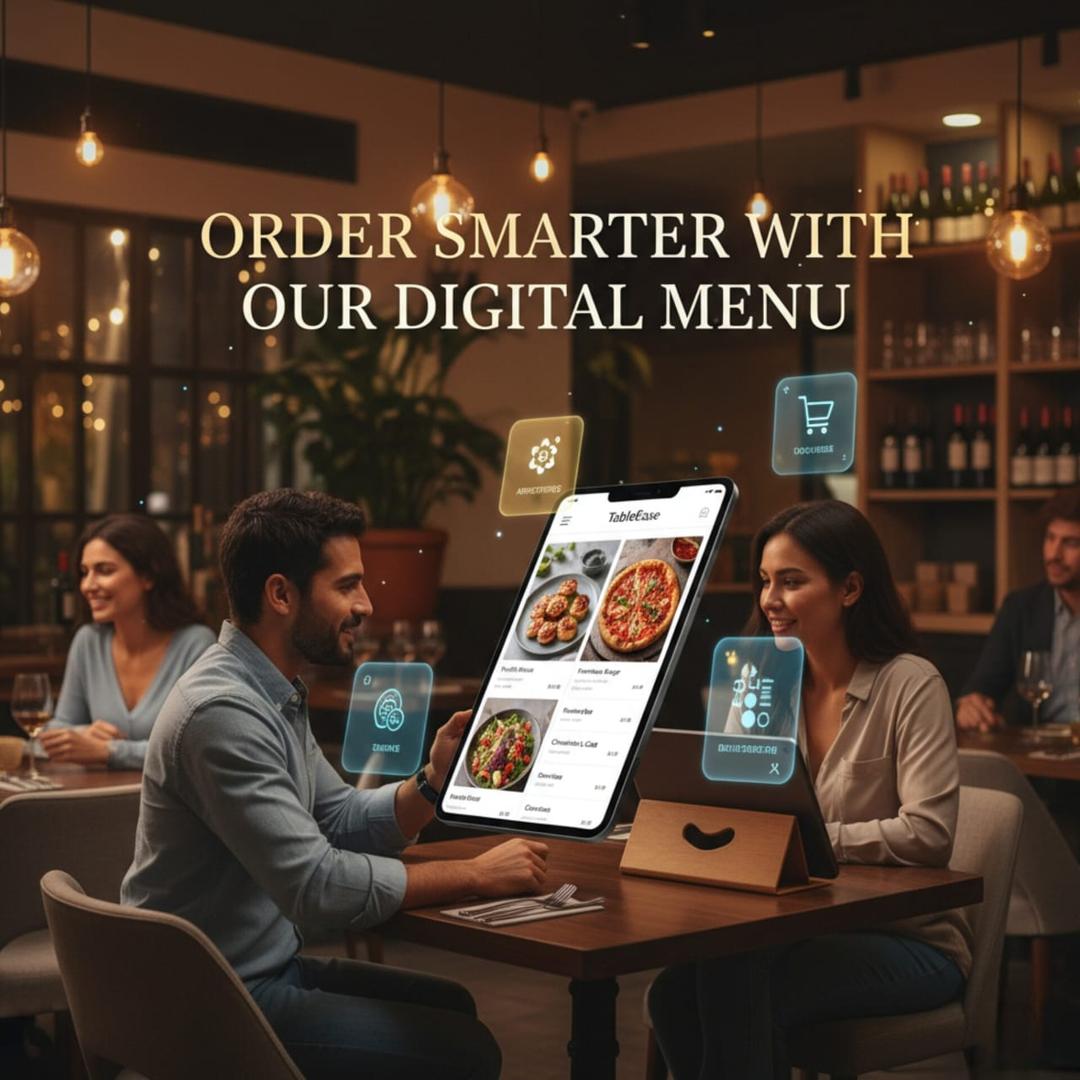
Powerful Features
Engineered for Excellence
Everything needed to run a clear menu that supports table QR ordering and smooth service.
Guest-Friendly Menu
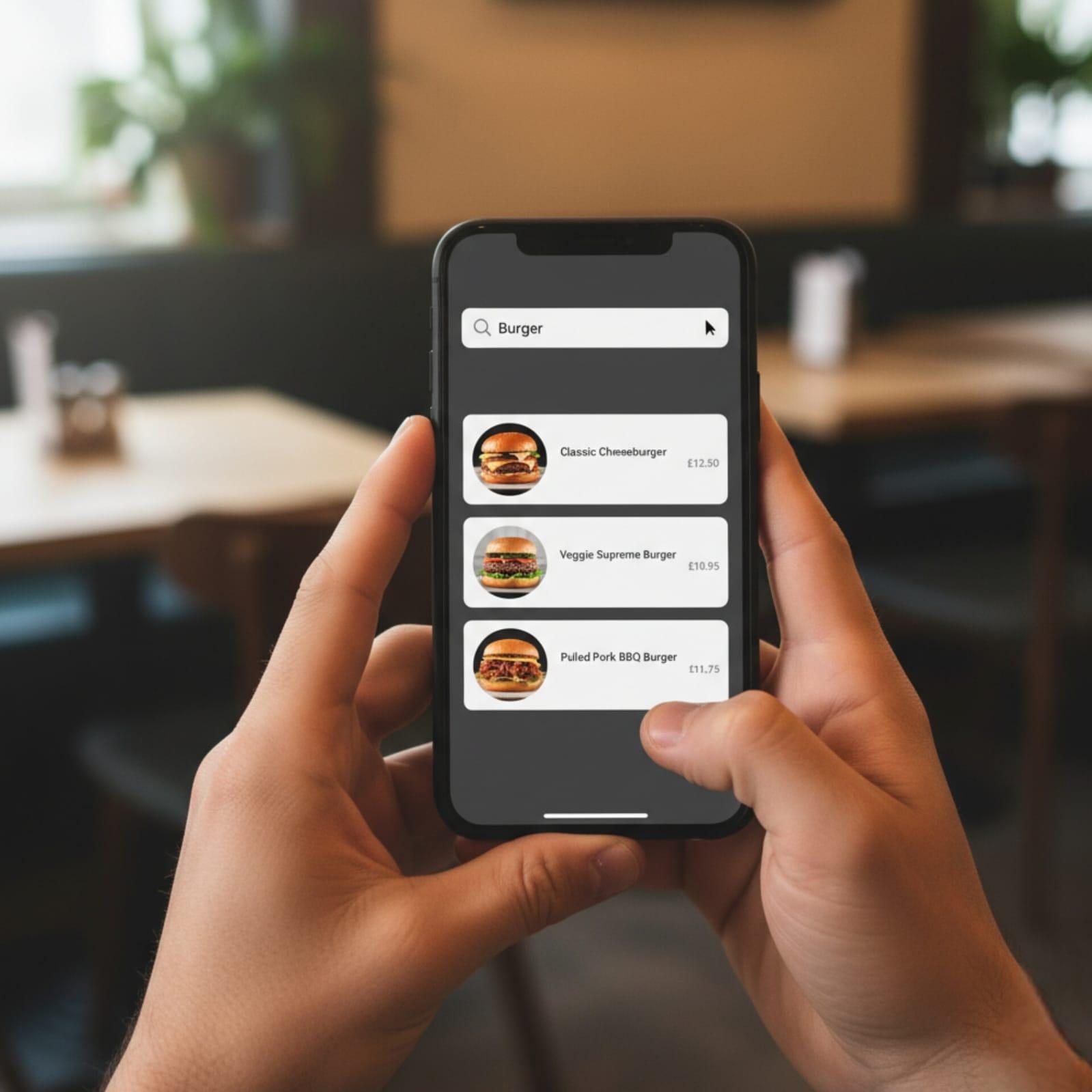
A clean digital menu experience that works smoothly on phones for table QR ordering.
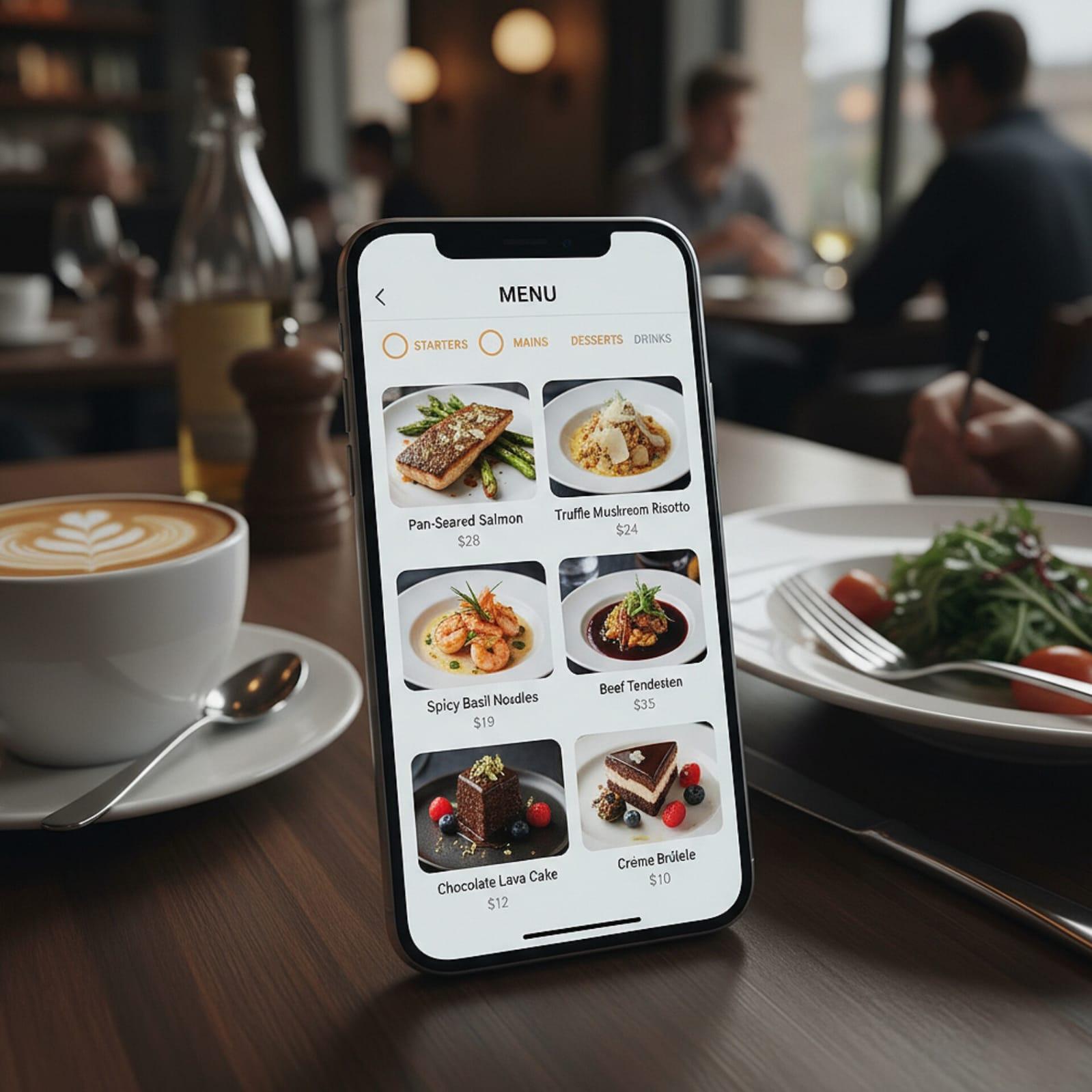
Smart Categories
Organize items into categories so guests can quickly find what they want.
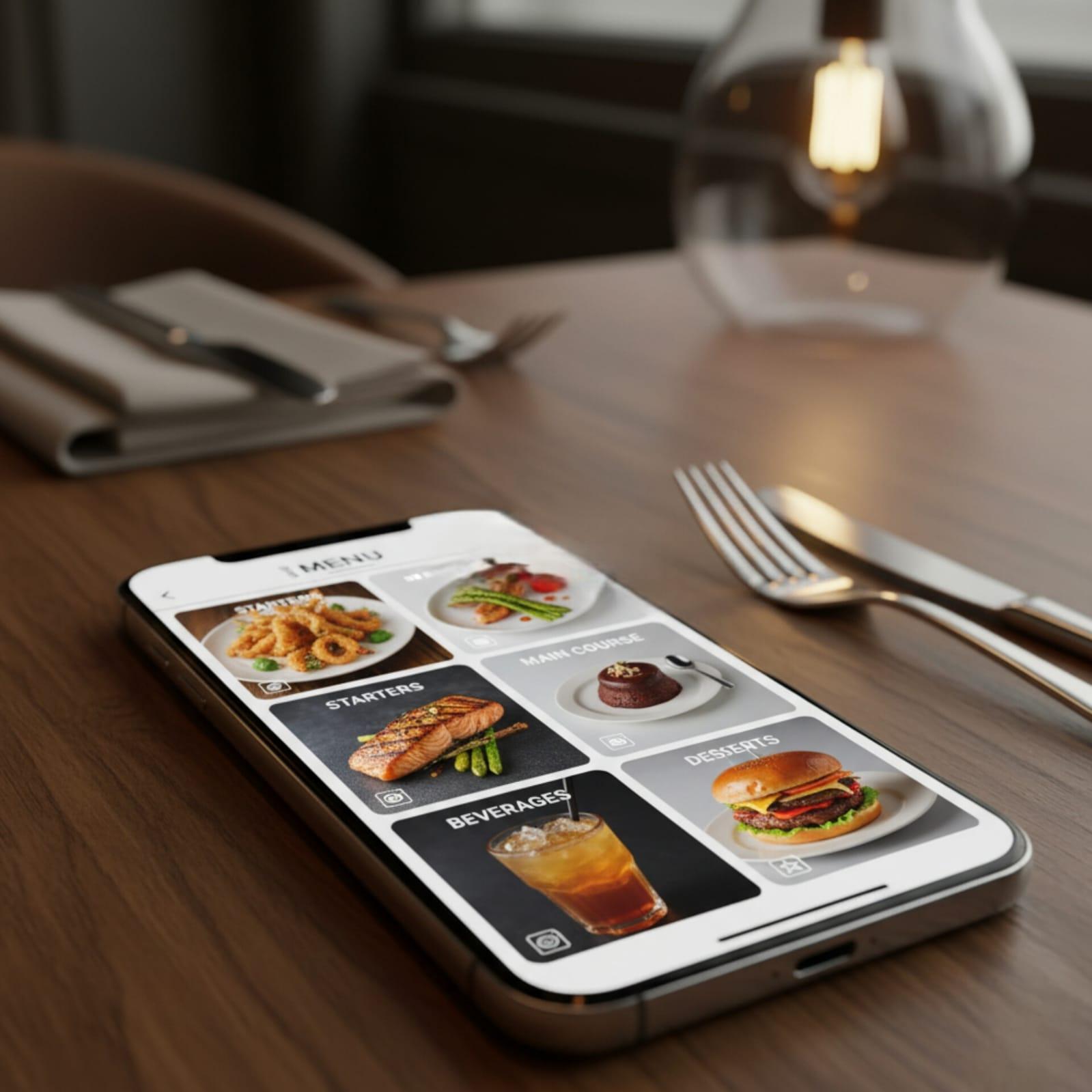
Quick Navigation
Help guests move through the menu quickly during busy service.
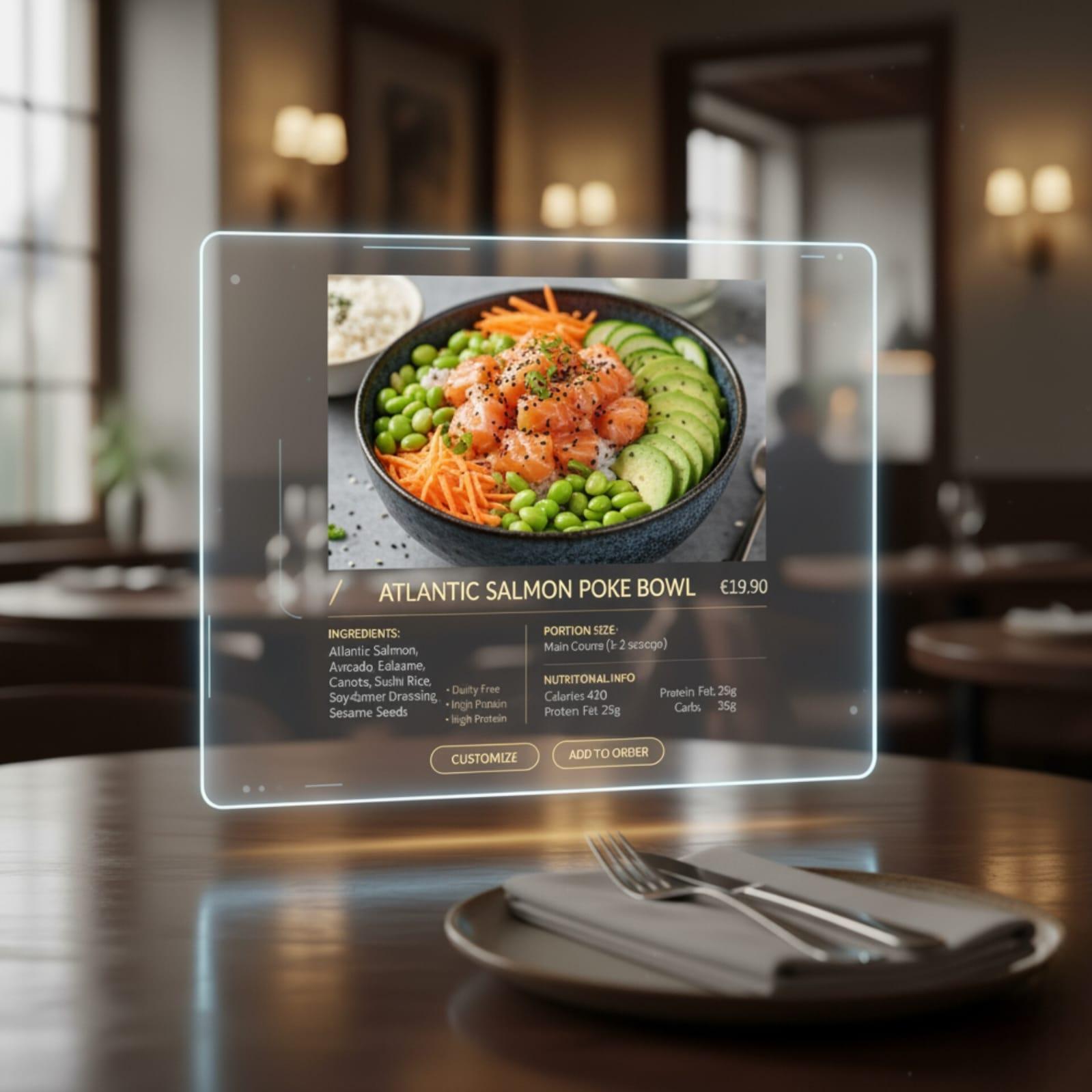
Detailed Item Info
Show item details clearly so guests can order with confidence.
How It Works
Experience seamless dining through our intelligent ordering system
Scan QR Code
Guests scan the table QR code to open the menu for the correct table.
Browse Menu
Browse categories and items, then add what you want to the cart.
Place Order
Confirm quantities and place the order. The kitchen receives it via KDS.
Track Status
Follow live status updates during service (New → Preparing → Ready/Served).
Transform Your Restaurant
Set up a menu that works with table QR ordering—clear categories, item details, and a smooth guest flow.
Frequently Asked Questions
Quick answers about the TableEase menu + QR ordering workflow.