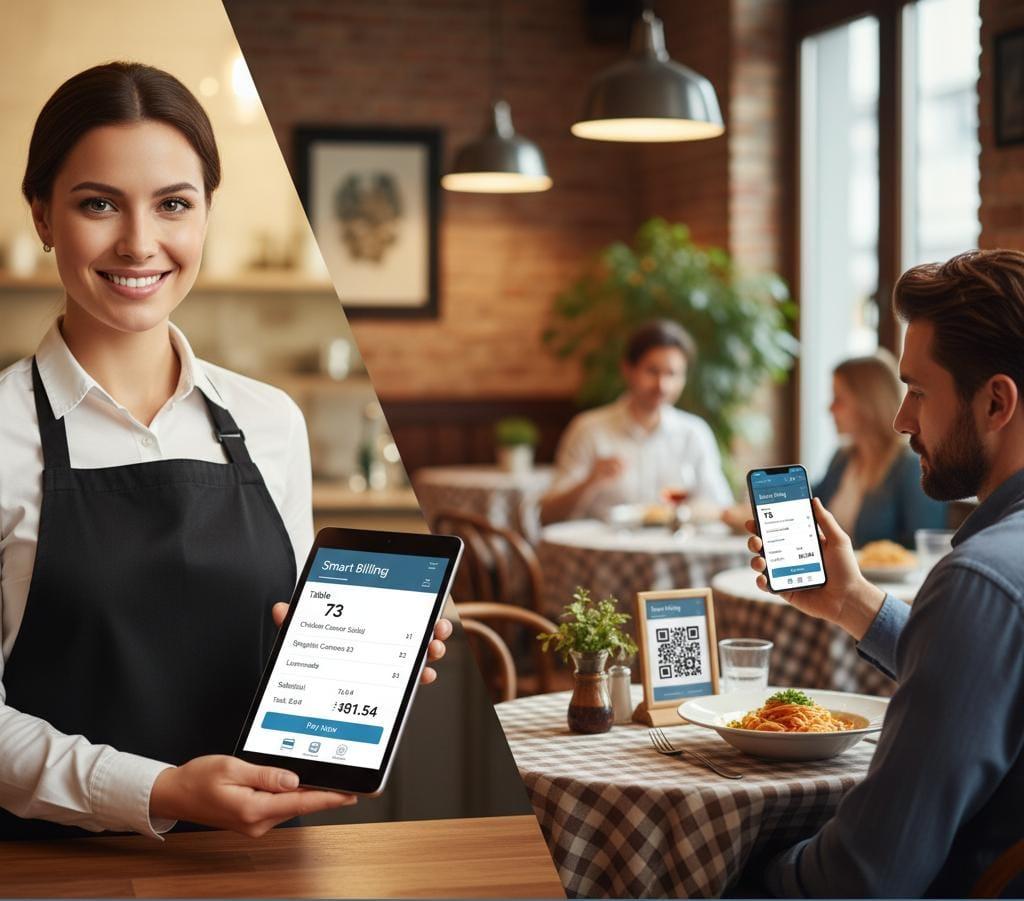
How Smart Billing Transforms Your Workflow
Billing and reporting tied to real service flow—paid orders feed the branch dashboard and invoice history.
Generate Invoices
Create invoices for completed orders and keep billing records organized.
Track Paid Orders
Monitor paid orders and revenue in branch dashboards as service closes out.
Maintain History
Review invoice history when you need to verify totals and paid status.
Revenue Insights
Use revenue and top-items reporting to understand branch performance.
Powerful Features for Modern Billing
Billing tools built around real TableEase workflow—paid orders, invoice history, and branch-level reporting.
Invoice History
Review previous invoices with date/time and order context when verifying totals.
Clear Totals
See totals and billing breakdown in a clear summary for checkout and review.
Update Details
Locate an invoice/order in history and update billing details where your workflow allows.
Paid Order Tracking
Track paid orders so billing status stays consistent across the team.
Branch Reporting
Billing metrics are tied to branch activity so you can compare performance by location.
Export / Print
Use print/export options available in your setup to share bills when needed.
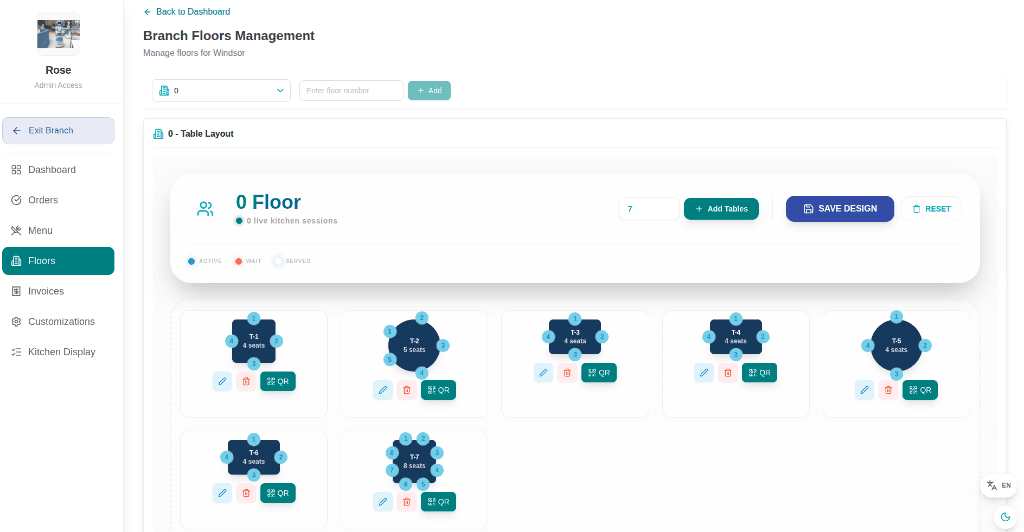
Review Billing with Smart Billing
Keep invoice history and paid-order status easy to review so your team can confirm totals, resolve questions, and understand branch performance.
- View totals and billing breakdown clearly
- Check invoice history with order context
- Export/print bills when your workflow requires it
Customer & Table Invoice History
View detailed order history with table numbers, customers, and paid status — all clearly organized for review.
Filter invoices by date and track dining activity
See customer names and their order trends
View dine-in table numbers with billing records
Perfect for restaurants, cafes, and lounges to manage their billing effortlessly.
| Date | Time | Customer | Table | Total | Status |
|---|---|---|---|---|---|
| 07/Oct/2025 | 10:00 AM | Guest | T5 | ₹1200 | Paid |
| 06/Oct/2025 | 02:30 PM | Guest | - | ₹900 | Paid |
| 06/Oct/2025 | 06:15 PM | Guest | - | ₹1500 | Paid |
| 05/Oct/2025 | 12:45 PM | Guest | T3 | ₹2000 | Pending |
| 05/Oct/2025 | 08:30 PM | Guest | - | ₹750 | Paid |
| 04/Oct/2025 | 07:15 PM | Guest | - | ₹1800 | Paid |
Total Revenue
₹8150
Total Bills
6
Avg Order
₹1358
Frequently Asked Questions
Learn how Smart Billing supports invoice history, updates where your workflow allows, and branch-level reporting.