Smart Table Numberingfor Modern Restaurants
Create floors and tables, generate a unique QR per table, and keep every order mapped to the right table, floor, and branch.
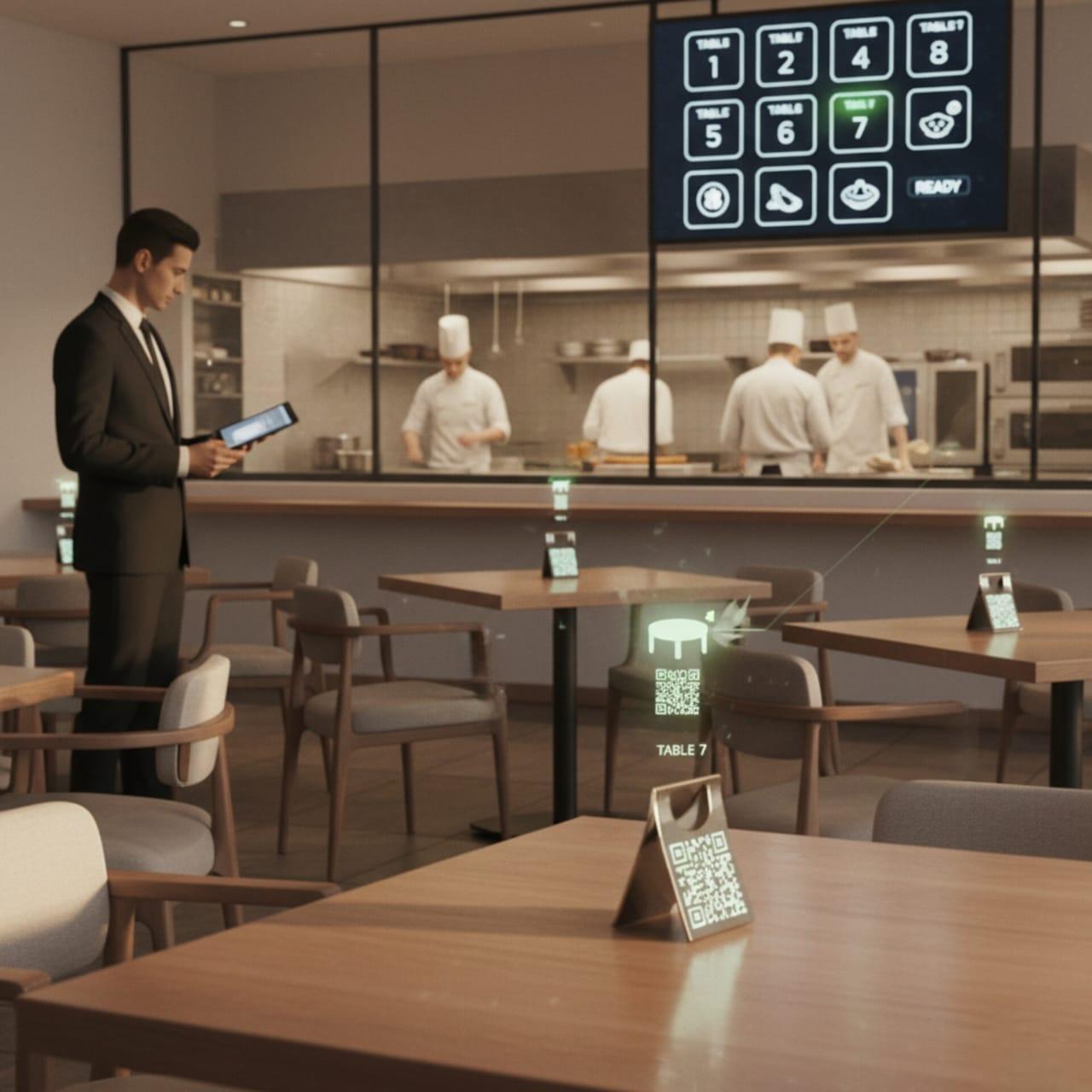
Adaptive Table Recognition System
A sophisticated framework that ensures precise order attribution, operational clarity, and enhanced service intelligence within hospitality ecosystems.
- •Dedicated QR codes for each table, enabling direct digital menu access.
- •Automated order association with respective table identifiers for seamless processing.
- •Real-time table insights displayed across dashboards, kitchen display systems, billing receipts, and customer confirmations.
Intelligent Table Management System
Transform your restaurant operations with our sophisticated visual interface. Manage reservations, optimize seating, and elevate guest experiences seamlessly with real-time tracking and smart automation.
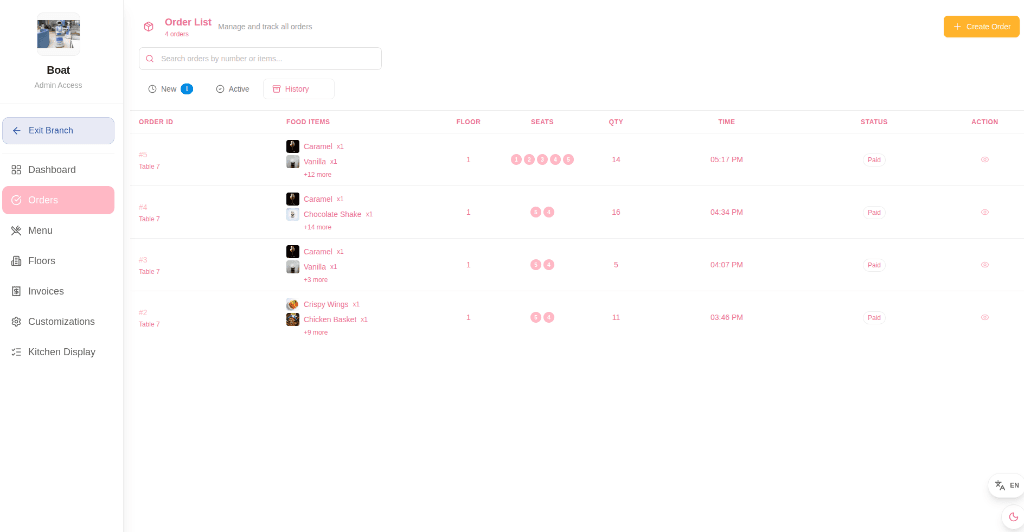
How It Works
Our streamlined process transforms your restaurant operations in four simple steps
Create Floors & Tables
Set up floors and generate tables so your dine-in layout matches the real seating plan.
Generate Table QR Codes
Generate a unique QR per table so orders are tagged to the correct table (and linked to floor/branch).
Guest Ordering Flow
Guests scan the QR, browse the menu, and place orders. Kitchen and staff track status live.
Run Service Smoothly
Use KDS to prepare orders and branch dashboards to monitor paid orders and revenue.
Explore Our Powerful Features
Built around the core TableEase workflow: QR → order → kitchen → dashboard.
Floor & Table Designer
Floor & Table Designer
Create floors, generate tables, and save layouts so your dine-in setup matches the real seating plan.
QR Per Table
QR Per Table
Generate a unique QR code for each table so guest orders are linked to the correct table, floor, and branch.
Role-Based Access
Role-Based Access
Control access using roles like admin, manager, and kitchen depending on your plan and team responsibilities.
Live Order Visibility
Live Order Visibility
Track orders mapped to tables with live status updates during service for clear coordination.
Branch Dashboard
Branch Dashboard
Monitor paid orders, revenue, top items, and order status breakdowns from branch dashboards.
Kitchen Workflow (KDS)
Kitchen Workflow (KDS)
Use a focused Kitchen Display (KDS) screen to prepare orders and move them through statuses.
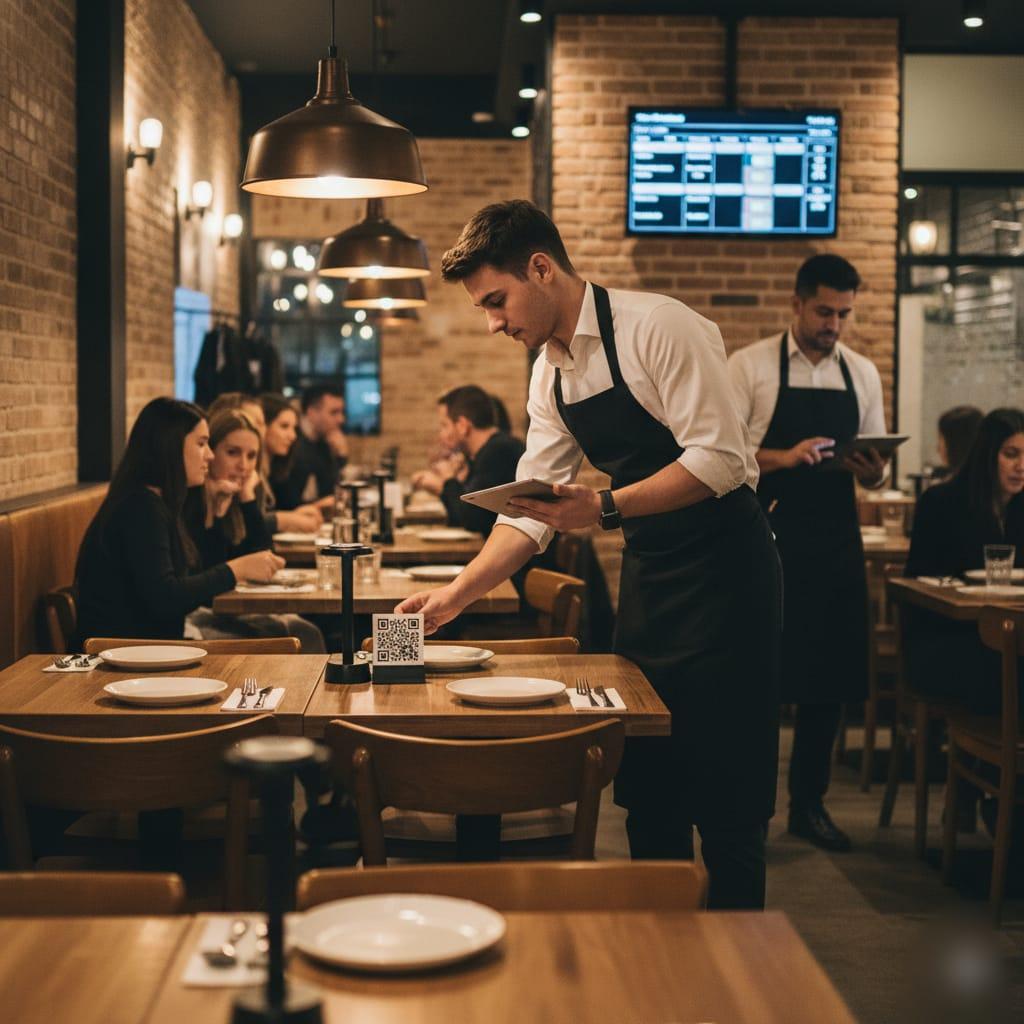
Simplify Table Management
Our table numbering system helps staff and customers easily locate and manage tables, reducing wait times and improving service.
Frequently Asked Questions
Explore how our table numbering system improves accuracy, streamlines service, and enhances the dining experience for staff and customers alike.